
Roku Subscriptions
Learn moreWhatever you’re in the mood to stream, you’ll find it—from the most popular shows and movies to unexpected hidden gems.
Discover what hundreds of millions of TV lovers around the world already know.
With setup that only takes minutes, a simple-to-navigate Home Screen, and an uncluttered remote control that does all you need, Roku makes it easier to watch the TV you love.
Enjoy great free TV anytime you want it, from a huge selection of movies, shows, and a Live TV Guide with 500+ free TV channels. Explore news, sports, Roku Originals, and much more in one click.
Use one password to sign up for 70+ subscriptions through your Roku account. Manage, cancel, or renew them anytime—all in one place.
Whatever you’re in the mood to stream, you’ll find it—from the most popular shows and movies to unexpected hidden gems.
Stream thousands of hours of Apple Originals with new releases weekly and no ads. Plus, watch all of Formula 1®, MLS, and Friday Night Baseball live.
Paramount+ offers exclusive originals, box-office hits, all of SHOWTIME® (Premium plan only) and live sports like NFL on CBS & UEFA Champions League.
Stream your heart out with unlimited access to the newest Hallmark original series, movies & feel-good content featuring your favorite stars.
Stream thousands of chilling true crime series on A&E Crime Central, featuring The First 48, Live PD, Cold Case Files & so much more, commercial-free.
Find and watch games across top apps, set game start reminders for your teams, see live scores, watch highlights, and more with Sports Zone.
Discover TVs for any room with the Roku experience built in. Enjoy stunning picture quality, immersive audio, plus extra fun around every corner.

Upgrade any TV to the Roku experience and stream what you've been missing.

Stream free movies, TV shows, and 500+ live TV channels with the Roku App on Google TV, mobile devices, and web. No Roku device required.
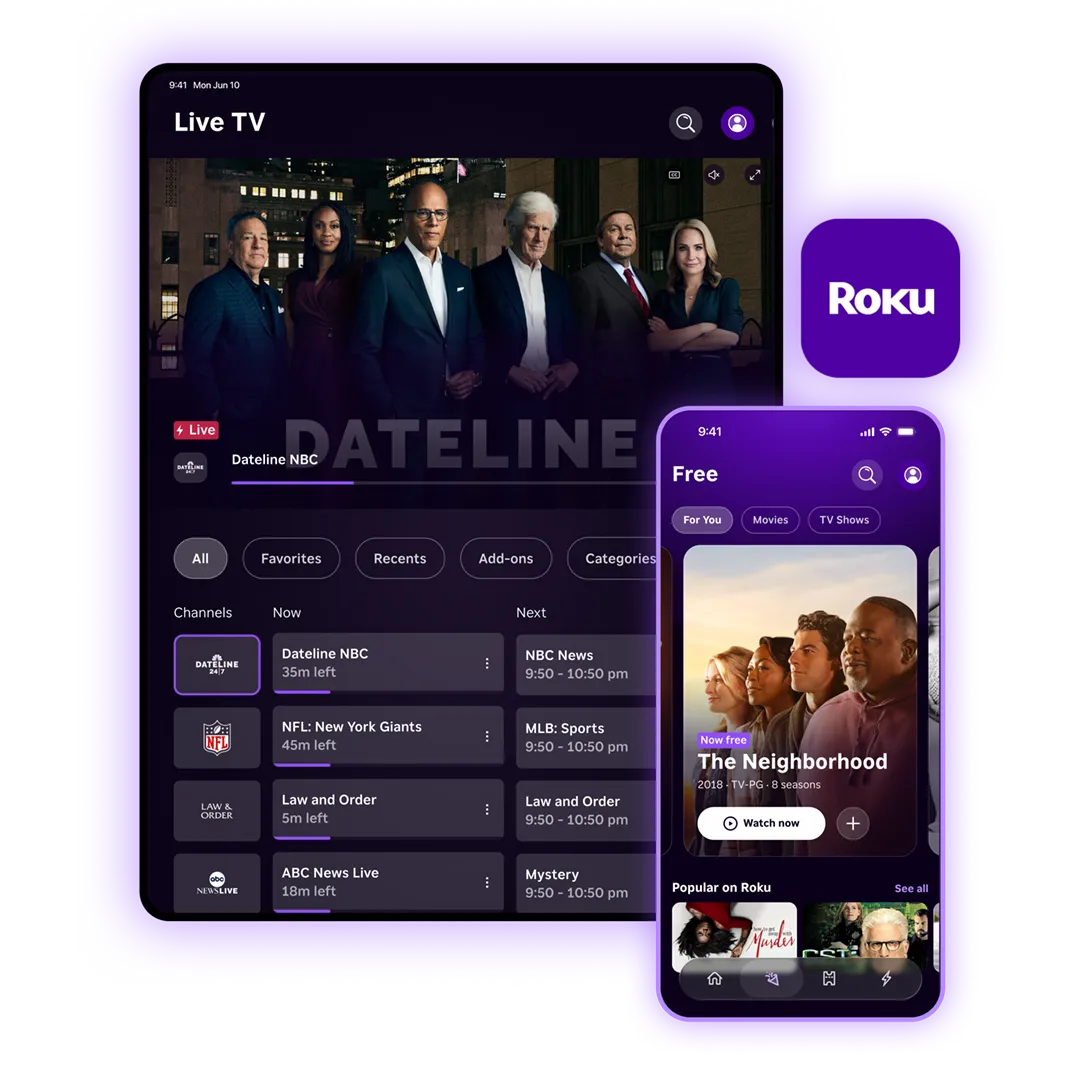
Roku is a streaming platform that connects your TV to the apps and channels you want to watch.
Here's how Roku works:
Once you own a device, the Roku platform itself is free to use; there's no subscription fee. Streaming players and Roku TV models are available at a range of price points to fit your budget.
Once you're set up, here's what you get:
Roku gives you access to thousands of streaming apps and 500+ free TV channels with live TV.
Here's what's available:
Most setups take under five minutes. No cable subscription required, no contracts.
Here's what you need and how to get started: