Notes on security, systems, radio, and building things, plus whatever else I’m chewing on.
New posts every Thursday. Get them by email or RSS.
Notes on security, systems, radio, and building things, plus whatever else I’m chewing on.
New posts every Thursday. Get them by email or RSS.
Most people meet GitHub Actions as “the thing that runs tests on pull requests.” But under the hood it’s much more general: a computer that wakes up when something happens, runs whatever you tell it, and goes back to sleep. For public repos, it’s free. Here are things you can do with it that have nothing to do with CI. How it works in 30 seconds A workflow is a YAML file in .github/workflows/. It has: ...
Every Git repo has a hidden .git folder. Most people never open it. That’s where all of Git lives: every version of every file, every branch, every commit message. And it’s surprisingly simple once you look. Let’s take it apart. Setup Make a throwaway repo so we can poke at it safely: mkdir git-internals && cd git-internals git init -b main echo "hello" > hello.txt git add hello.txt git commit -m "first commit" Now look inside: ...
It worked last month. It doesn’t work now. There are 400 commits in between. You could read them all. Or you could let Git find the guilty one in about nine steps. The idea: binary search through history git bisect takes two points: a commit where things were good and one where they’re bad. It checks out the commit halfway between and asks you which it is. Then it throws away the half that can’t contain the bug and repeats. ...
You’re halfway through a feature. Files are open, tests are half-written, nothing compiles. Then someone says: “Production is broken, can you look?” Most people do one of these: git stash, switch branches, fix, switch back, git stash pop, pray. Commit a “WIP” mess they’ll have to clean up later. Clone the whole repo again into another folder. There’s a better option that has been in Git since 2015: worktrees. What a worktree is A normal repo has one working directory: the folder where your files live. A worktree is an extra working directory attached to the same repo. Each one can have a different branch checked out, and they all share the same history, objects, and remotes. ...
During Hurricane Harvey in 2017, ordinary people took their own fishing boats into the floodwater and pulled thousands of their neighbors off roofs. Some of them didn’t come back. Here’s the detail that stuck with me: when a volunteer like that heads out, nobody writes down that they went. There’s no dispatcher, no roster, no log. If they stop answering their phone, nothing notices. Eventually, someone realizes they haven’t heard from them in a while. ...
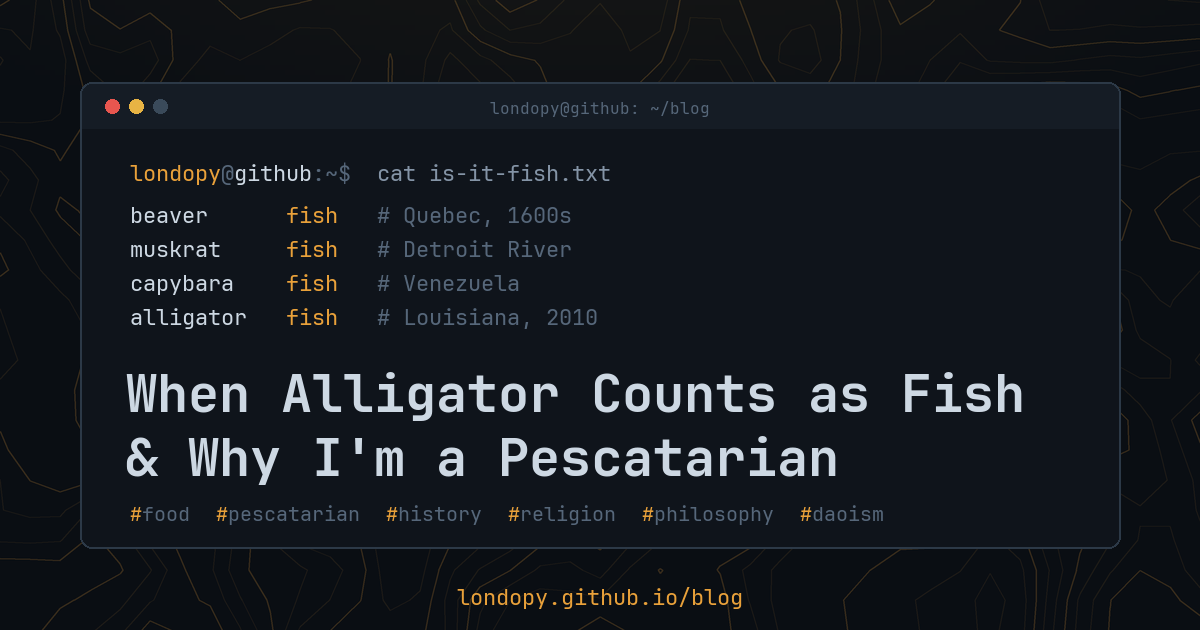
In 2010, a Catholic in Louisiana asked his archbishop a very specific question. During Lent, Catholics skip meat on Fridays. So: was it okay to eat alligator? The archbishop’s answer: yes. As far as the Church was concerned, alligator counted as seafood. He wasn’t the first religious authority to get a question like that. Over the centuries, priests, bishops, and theologians have been asked to rule on beavers, muskrats, capybaras, and a goose that medieval Europeans believed grew on driftwood. ...
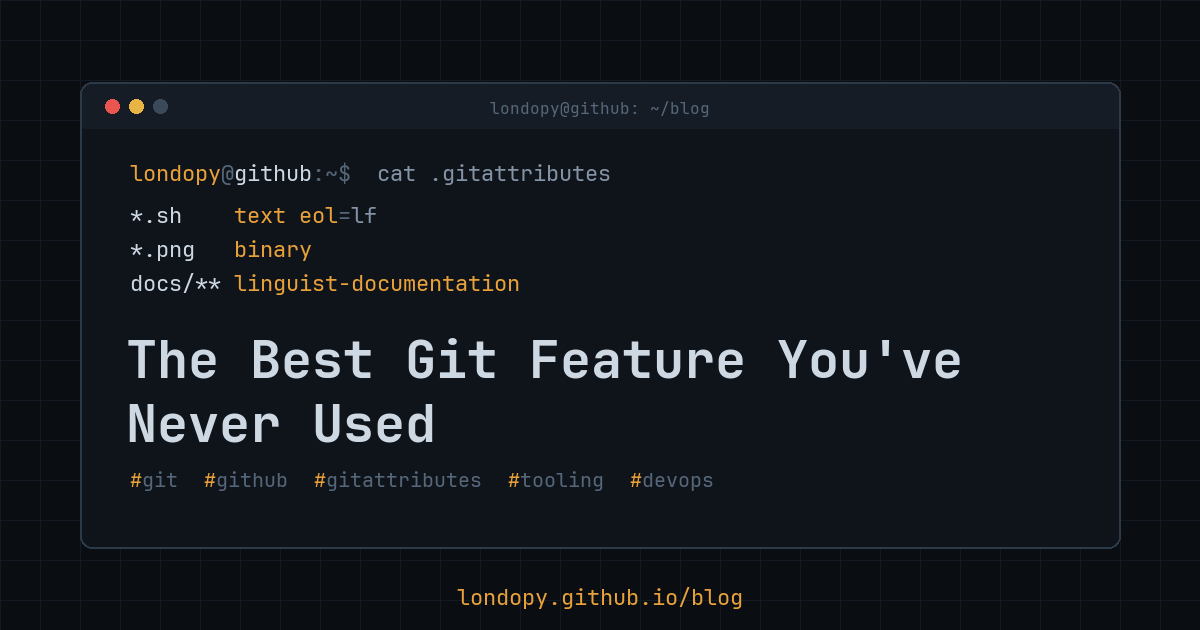
Every repo has a .gitignore. Almost nobody has a .gitattributes. That’s a shame, because this one small file controls how Git sees, diffs, merges, normalizes, and exports your files. Once you know what it can do, you’ll want one in every project. What it is .gitattributes is a plain text file that assigns attributes to paths. Each line is a pattern followed by one or more attributes: *.sh text eol=lf *.png binary docs/** linguist-documentation The patterns work much like .gitignore, with two catches. Negation (!pattern) isn’t allowed. And a directory pattern like vendor/ does not apply to the files inside it, so you need vendor/**. ...