
Motrix
Install latest/stable of Motrix
Ubuntu 16.04 or later?
Make sure snap support is enabled in your Desktop store.



Details for Motrix
Package name
- motrix
License
- MIT
Last updated
- 3 May 2023 - latest/stable
- 10 October 2026 - latest/edge
Websites
Contact
External link warning
You are about to open
Do you wish to proceed?
Report a Snap Store violation
Report Motrix for a Snap Store violation
Snap Store Violation Report submitted successfully
Thank you for your report. Information you provided will help us investigate further.
Error submitting report
There was an error while sending your report. Please try again later.
Share this snap
Generate an embeddable card to be shared on external websites.
A full-featured download manager
Motrix is a full-featured download manager that support downloading HTTP, FTP, BitTorrent, Magnet, etc.
Motrix has a clean and easy to use interface. I hope you will like it .
## Features
- Simple and clear user interface
- Support BitTorrent & Magnet
- BitTorrent selective download
- Update tracker list every day automatically
- UPnP & NAT-PMP Port Mapping
- Up to 10 tasks concurrently download
- Single task maximum support 64 thread download
- Mock User-Agent
- Download completed Notification
- Resident system tray for quick operation
- Dark mode
- Delete related files when removing tasks (optional)
- I18n, [View supported languages](https://github.com/agalwood/Motrix#-internationalization)
Tips for v1.5.10 The tray may not display the indicator normally, which makes it inconvenient to exit the application.
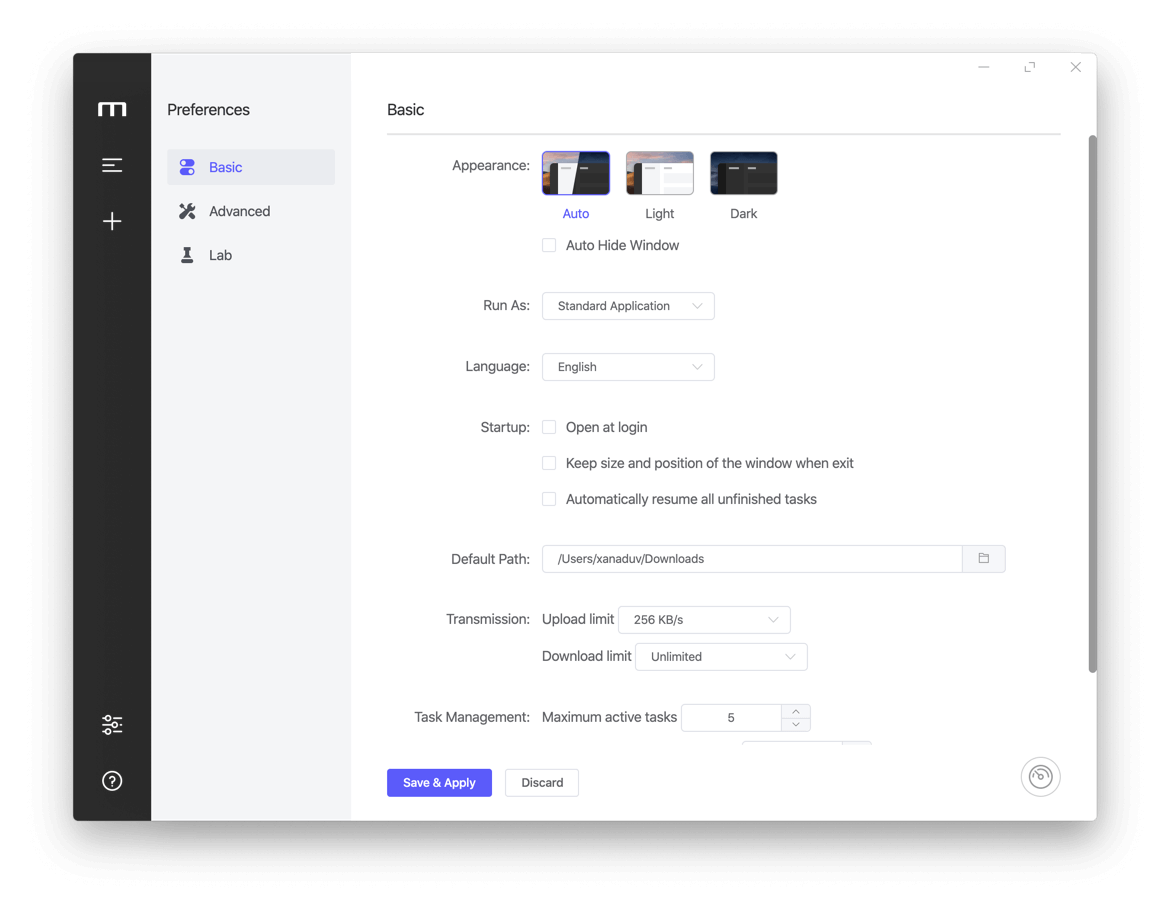
Please unchecked Preferences----Basic Settings----Hide App Menu (Windows & Linux Only), click Save & Apply. Then click "Exit" in the File menu to exit the application.
Please update to v1.5.12 and above, you can use the keyboard shortcut Ctrl + q to quickly exit the application.
| Revision | Channel | Version | Build | Commit | Download SBOM |
|---|
The build and commit information is derived from build infrastructure records.
Install Motrix on your Linux distribution
Choose your Linux distribution to get detailed installation instructions. If yours is not shown, get more details on the installing snapd documentation.
