
Go to Android platform Display platforms icon
Go to Android platform Go to Windows platform Go to Mac platform Go to iOS platform
GameGuardian icon

GameGuardian

101.1
Dev Onboard
4.4 1,667 reviews
88.1 M downloads
security security

Get new advantages when playing your favorite video games

Advertisement
Remove ads and more with Turbo
Advertisement
Remove ads and more with Turbo
Andrés López icon
Reviewed by
Andrés López
Content Editor
Andrés López is part of Uptodown's in-house Editorial Team. Translated by Uptodown Localization Team

GameGuardian is an app that allows you to modify the content of any Android video game or app to get several advantages and improvements not originally inside the APK. Broadly speaking, it works by injecting code into a running process and modifying some of the desired parameters on the fly. This translates into what, in the world of video games, is traditionally known as "cheating".

It is easy to use if you know what you are doing

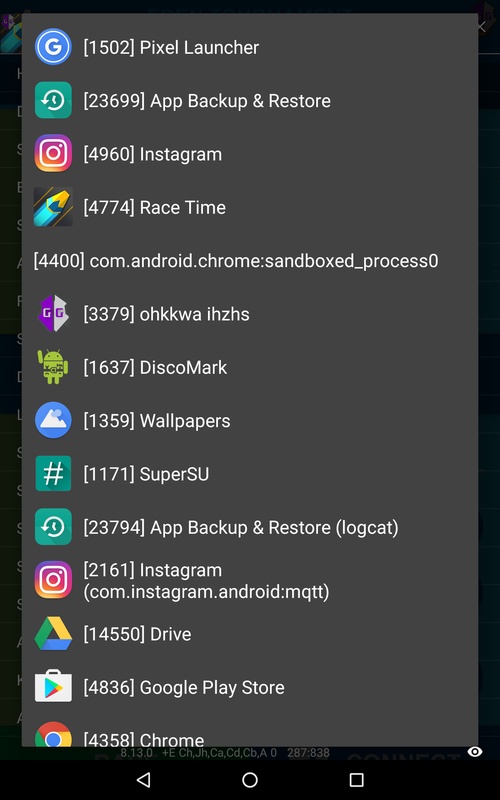
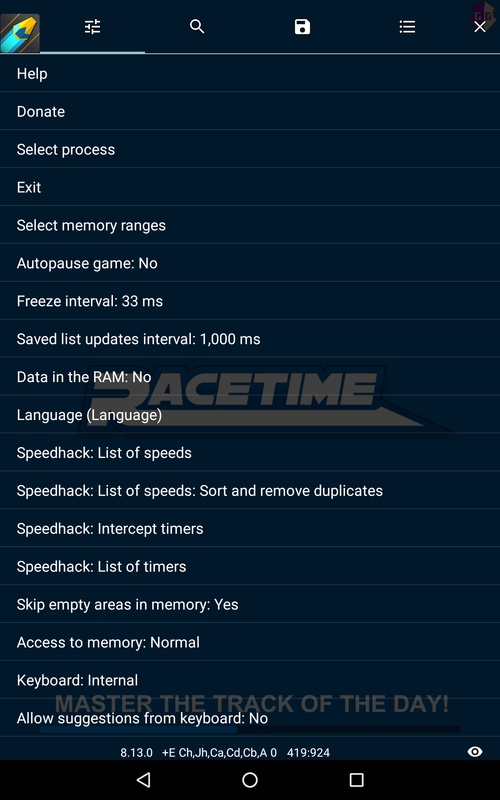
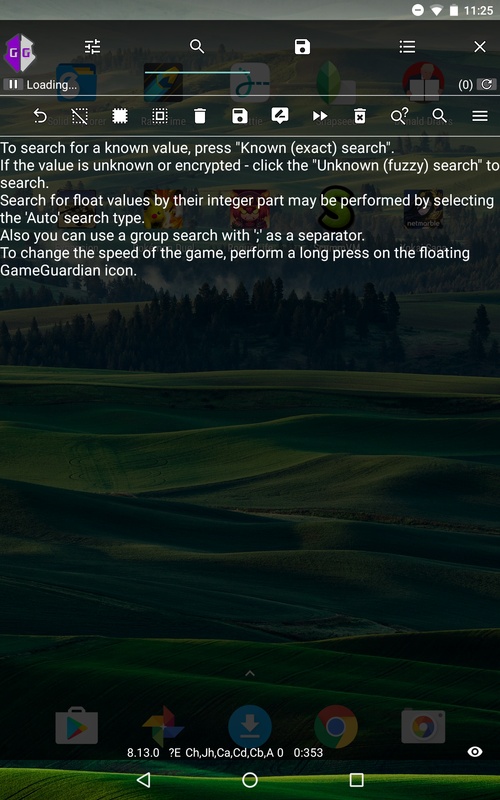
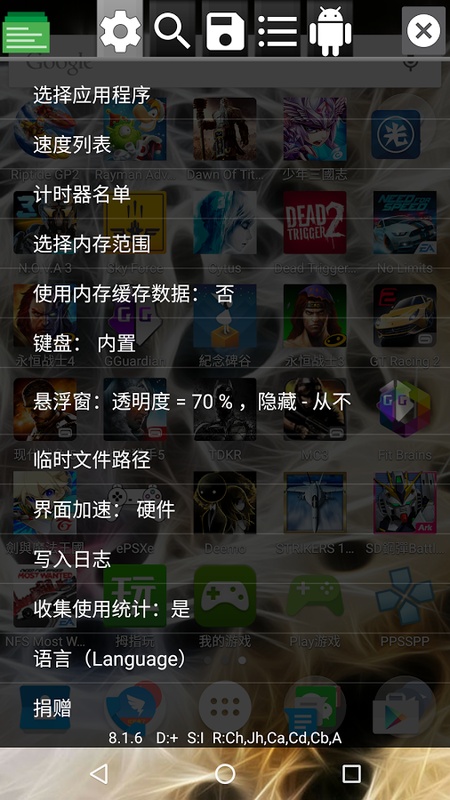
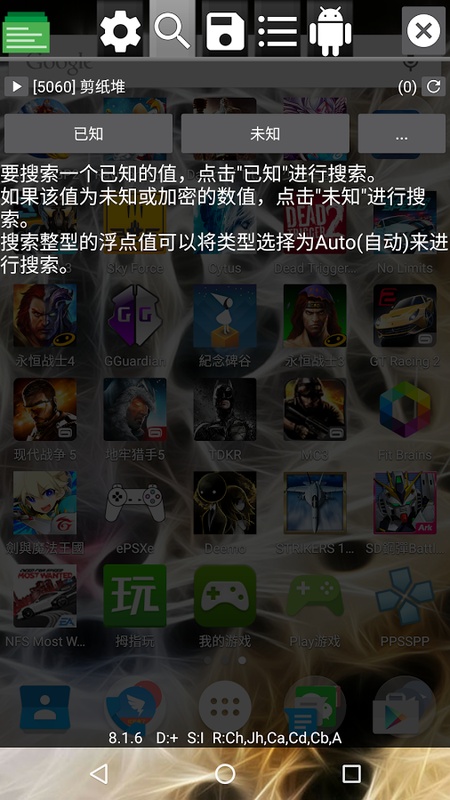
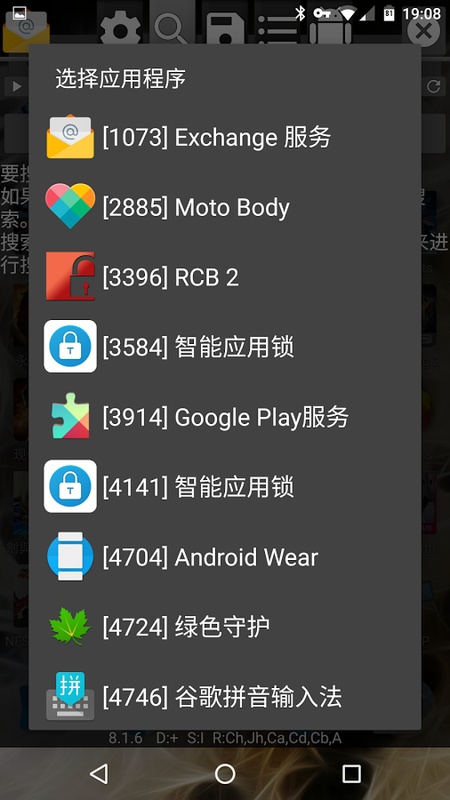
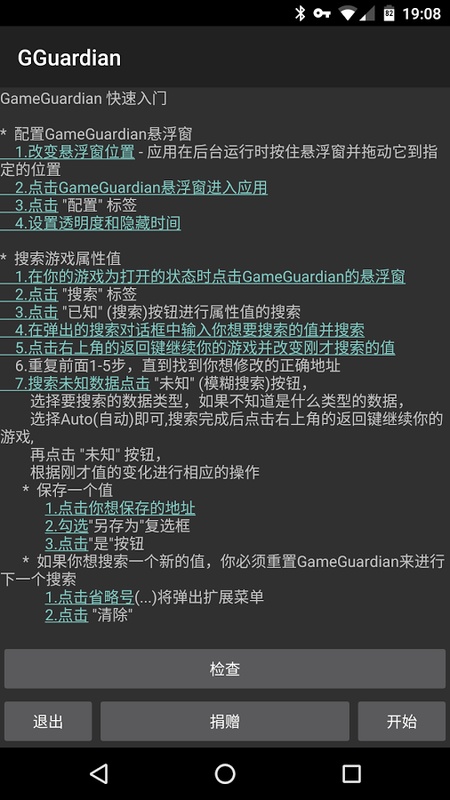
Once GameGuardian is installed, you can leave the app running in the background while running any video game. You can be sure the app is running in the background because you will see a semi-transparent icon on the screen. As a result, when you are inside the game, all you have to do is tap on the semi-transparent button, and you will be able to access an editing panel where you can modify any parameter. One of the easiest ways to do this is to look at a specific number on the screen, such as the number of coins, diamonds, or lives. Once you have that specific number, just open the editing panel of GameGuardian, search for that number, and replace it with any other number you want. It's that easy.

Advertisement
Remove ads and more with Turbo

Control the internal clock of an app or video game

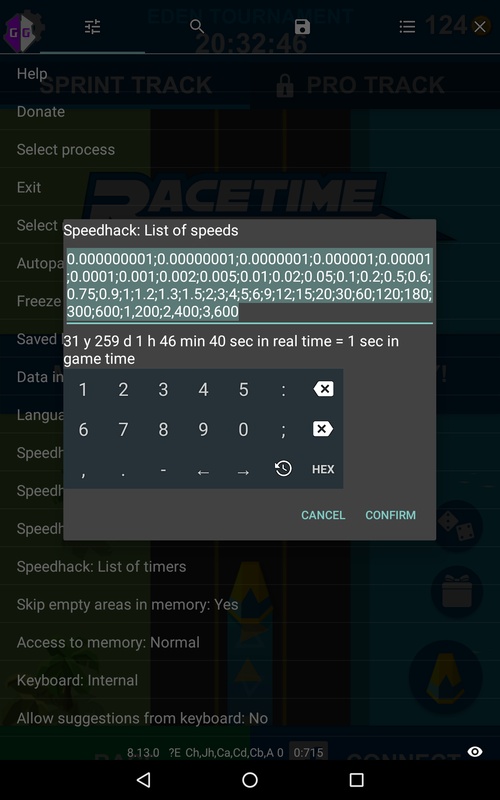
Another interesting feature of GameGuardian is its ability to modify the internal clock of an app and of the device itself to get immediate advantages in video games where you would normally have to wait a certain number of hours or minutes to meet an objective (such as constructing a building, recharging energy, recovering lives, etc.). Again, doing this is very easy. Simply hold your finger on the floating icon displayed by GameGuardian to speed up or slow down the time flow. By doing this, actions that would take several hours under normal conditions only take a few seconds. No more waiting 24 hours to get all your lives back.

Use the app at your own risk

It goes without saying that, with a few exceptions, GameGuardian is designed for cheating in video games, so if the developers of the apps and video games you manipulate detect that you are modifying the game, you may risk being banned or having your account suspended for a limited time. Using this app, while fun and beneficial, can be risky. For this reason, it is only recommended to use GameGuardian in offline video games where you are not competing against other players. Otherwise, you would also have an unfair advantage over opponents not using this type of app.

Download GameGuardian if you want to explore the ins and outs of your favorite video games. While it is true that the most common use of the app is to unlock tricks and cheats in general, it also allows you to explore the inner workings of video games and apps in a simple and accessible way, which very few other apps offer.

Requirements (Latest version)

  • Android 2.3.3, 2.3.4 or higher required

Information about GameGuardian 101.1

Basic information

Developer Enyby
Category System
Rating Not specified
Languages English
37 more

Distribution model

Pricing Free
License Proprietary
Copyright © 2026 Enyby
Why is this app published on Uptodown? (More information)

Security and privacy

Required permissions
See 20 permissions
Certificate signature e89b158e4bcf988ebd09eb83f5378e87
See security and antivirus report

Download info

Downloads 88,147,347
Date Oct 23, 2024
File type APK
Size 19.73 MB
SHA256 3b15f234ec3cd4cfcd0e537e50e52df13d1f479f8556d37b5a627f54f57157b8

Technical details

Package Name catch_.me_.if_.you_.can_

Rate this App

Review the app
GameGuardian icon

Rating

4.4
5
4
3
2
1
1,667 reviews

Users say

  • Users say the app is quite good and “so good” overall
  • Many use it for car ranking
  • They recommend the app to others.
This is an AI-generated summary based upon real user reviews.

Comments

See more
awesomegoldengrape23484 icon
awesomegoldengrape23484
1 week ago

I think it’s quite good. I use it for car ranking; I recommend it.

Like
Reply
maybel_06 icon
maybel_06
1 week ago

So good.

1
Reply
magnificentorangecactus62958 icon
magnificentorangecactus62958
30 days ago

Thank you

2
Reply
bigsilvercrane80151 icon
bigsilvercrane80151
6 months ago

Very good app

7
1
proudredapple50529 icon
proudredapple50529
7 months ago

I love GameGuardian

5
1
modernsilvergiraffe84304 icon
modernsilvergiraffe84304
7 months ago

I really love the Game Guardian app.

6
Reply
See more
Advertisement
Remove ads and more with Turbo
Uptodown App Store icon
All the apps you could ever want on your Android
Secure VPN icon
Maintain your privacy and anonymity as you browse
APKPure icon
Download apps and games for Android
SHAREit - Connect & Transfer icon
A quick and convenient file transfer app
Aurora Store icon
An elegant Google Play alternative
Xender - Share Music Transfer icon
Transfer files and share apps
Google Play icon
The best place to purchase Android books or apps
Orion Store icon
Download open-source apps from GitHub, GitLab, and Codeberg
Uptodown App Store icon
All the apps you could ever want on your Android
AABrowser icon
A browser specifically designed for cars
MT Manager icon
An APK file editor and manager
Secure VPN icon
Maintain your privacy and anonymity as you browse
ZArchiver icon
Everything you need to work with compressed files
APKPure icon
Download apps and games for Android
Xiaomi Security icon
Xiaomi's official security and maintenance app
SHAREit - Connect & Transfer icon
A quick and convenient file transfer app