

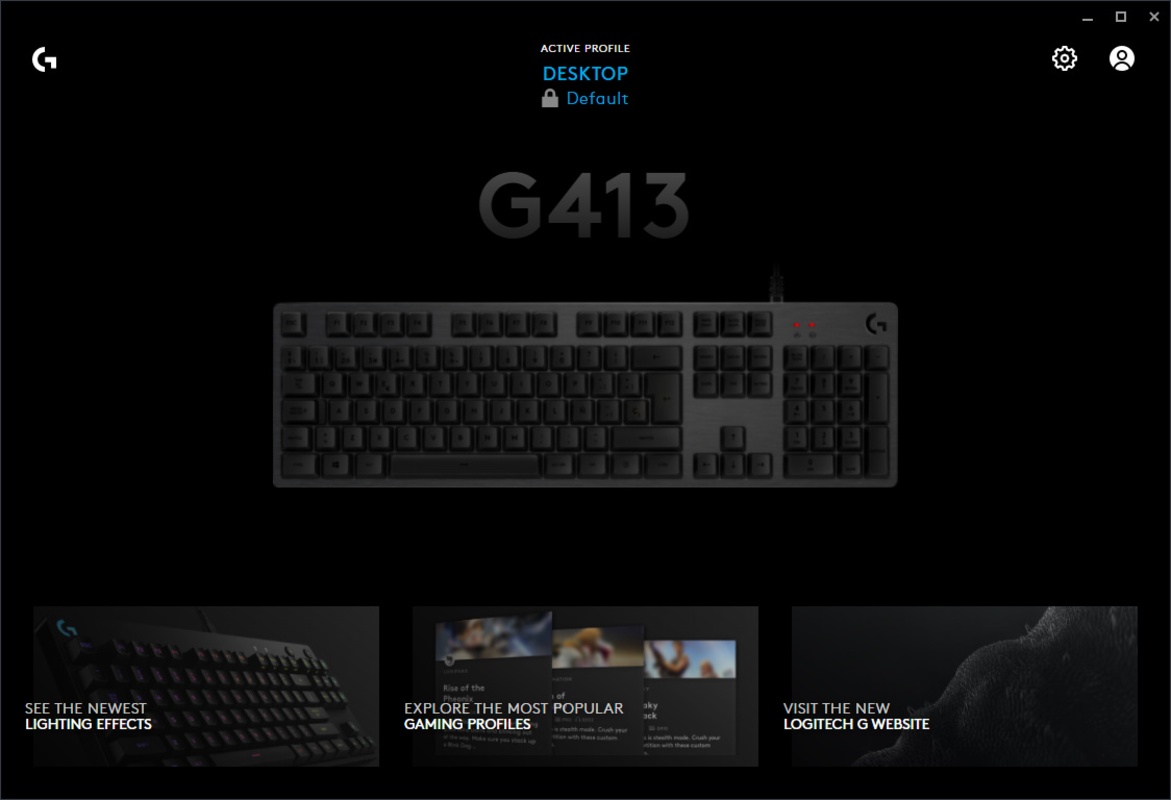
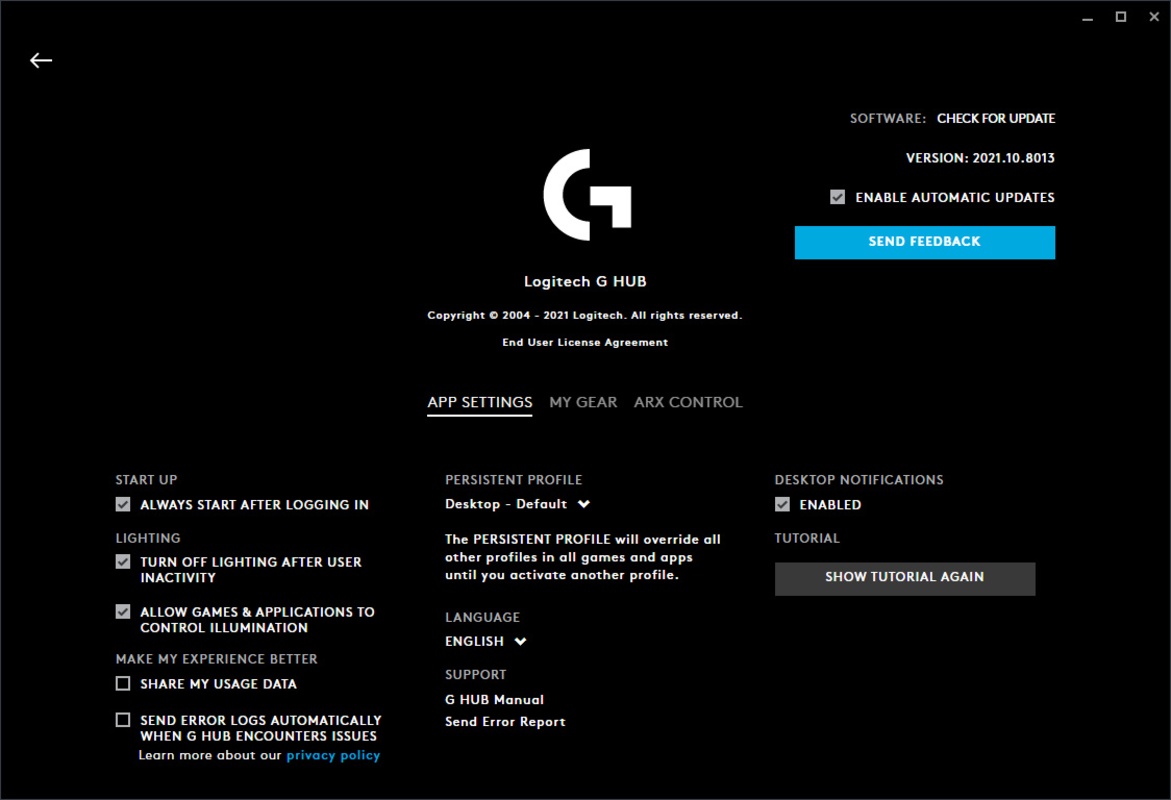
Logitech G HUB is the official Logitech app for all of the company's peripherals. Configure, customize and optimize all Logitech G devices from one place. Logitech G HUB allows you to control and customize mice, keyboards, headphones and speakers. You can change how each of them work regardless of whether you use it for gaming, work or leisure.
Customize your devices down to the smallest detail
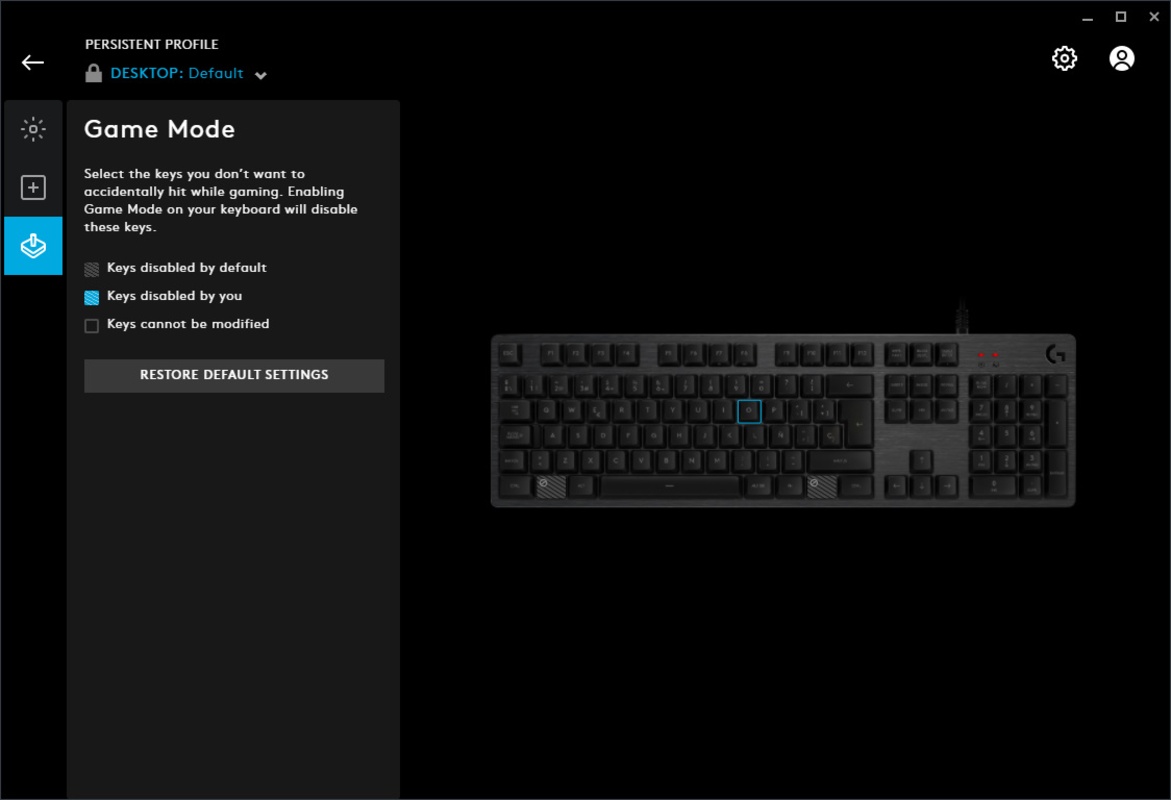
Logitech G HUB allows you to adjust every parameter of your Logitech G mouse, including the DPI, the functions to each button and what it does in each game or program. Keyboards can also be configured on a key-by-key basis, allowing you to reassign functions, create shortcuts and adjust the response to suit your style. Logitech G headphones users can access advanced equalizers, adjust audio balance and enable technologies like DTS Headphone:X for total immersion.
Control LIGHTSYNC RGB lighting
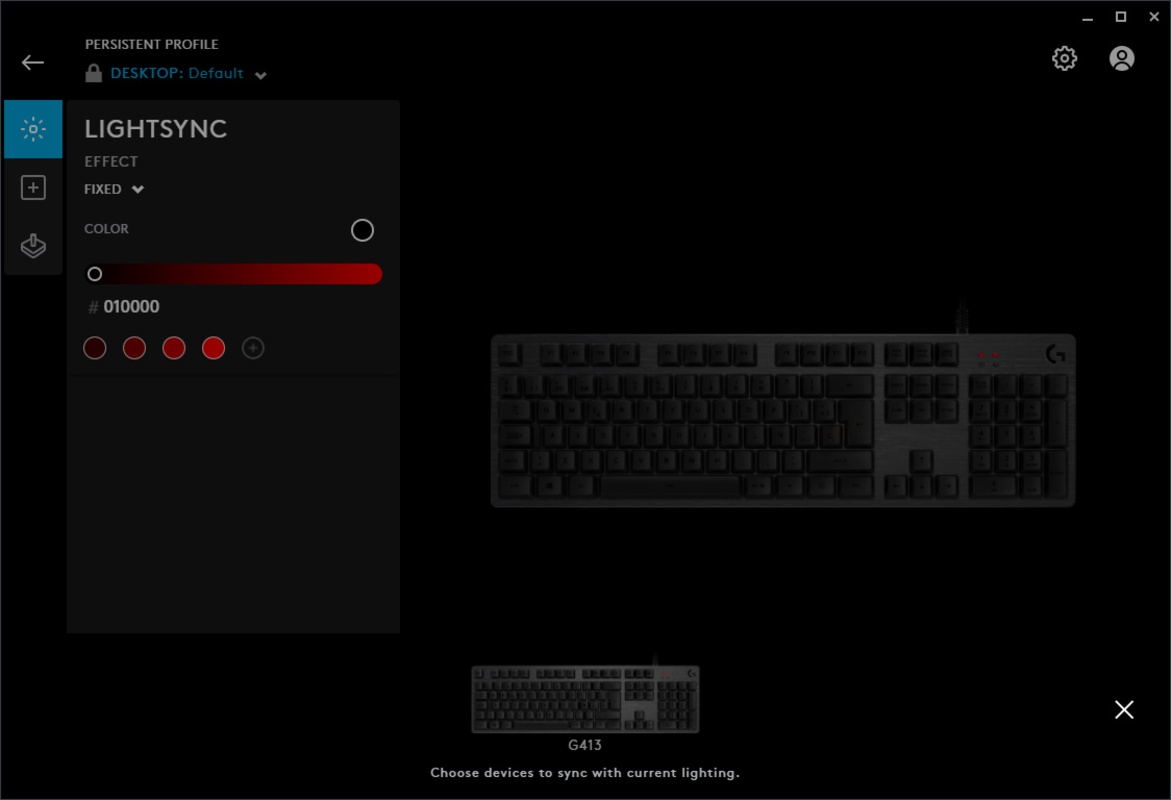
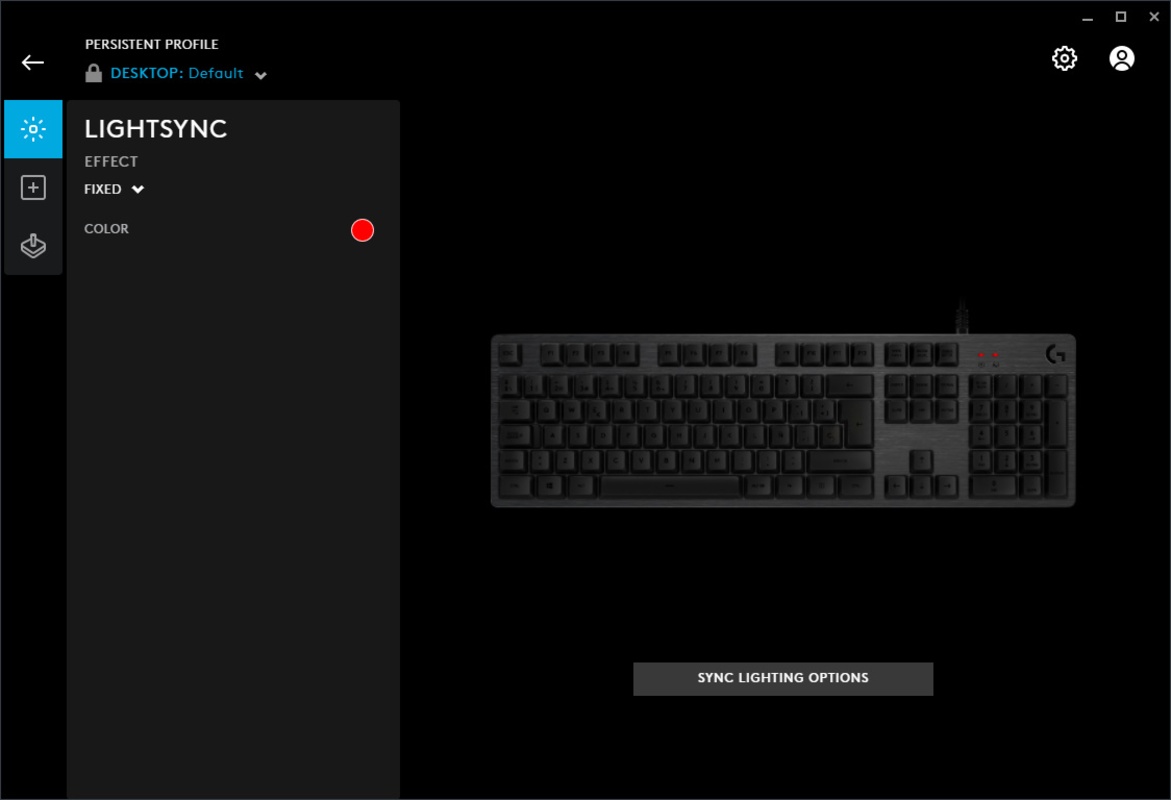
Logitech G HUB allows you to customize the lighting of each LIGHTSYNC RGB compatible device. You can do everything from setting a static color to creating dynamic effects that react to what is happening on screen, to the music you are listening to or even to in-game events. What's more, thanks to Windows 11's Dynamic Lighting support, you can synchronize all your peripherals and other compatible elements to create a coordinated environment that adds to the ambience of each game or work session.
Create and manage automatic profiles
Logitech G HUB also gives you the option to create configuration profiles that are automatically activated when a specific program or game is detected. For example, you can have one profile with macros and reduced sensitivity for a precision shooter, and another with synchronized lighting and hotkeys for a strategy game. Logitech G HUB loads the configured settings as soon as it detects the game in question, saving you time and ensuring that you always have the right settings ready to go.
Library and community configurations
Another of Logitech G HUB's great advantages is its cloud and community integration. All your profiles can be stored online and accessed from any computer where the app is installed. You can also download configurations that have been created by other users or professional players, allowing you to test optimizations without having to create them yourself from scratch. You can also share your own settings to help the community or receive feedback from other gamers.
Maintenance and constant improvement of hardware
With Logitech G HUB, you can ensure your devices' software is up to date, as the app informs you of any available firmware updates. These updates mgiht seek to improve performance, fix bugs or add new features. Installing them is as simple as clicking the notification and letting the app take care of the rest, ensuring that your computer is always up to date with the latest features.
Download Logitech G HUB and control all your Logitech G peripherals from one place.
Comments
sometimes you need to revert to a previous version, (thanks to this site for that ♥).
So complicated, so at the limit you tell yourself that there are people who will go into an in-depth learning of the software, no problem with that, but at least give us the possibility of having a SI...See more
a couple of times a year it requires reinstallation and reboot of the computer
what's the joke?????????????????????
I think the Logitech Gaming Software app is better for macros than G Hub, especially regarding macro delays and how many buttons can be pressed simultaneously in one click.
How is it possible to destroy the software at least 5 times a year so completely that the G533 is totally buggy and malfunctioning, with half the functions not working? This happens as long as GHUB is...See more