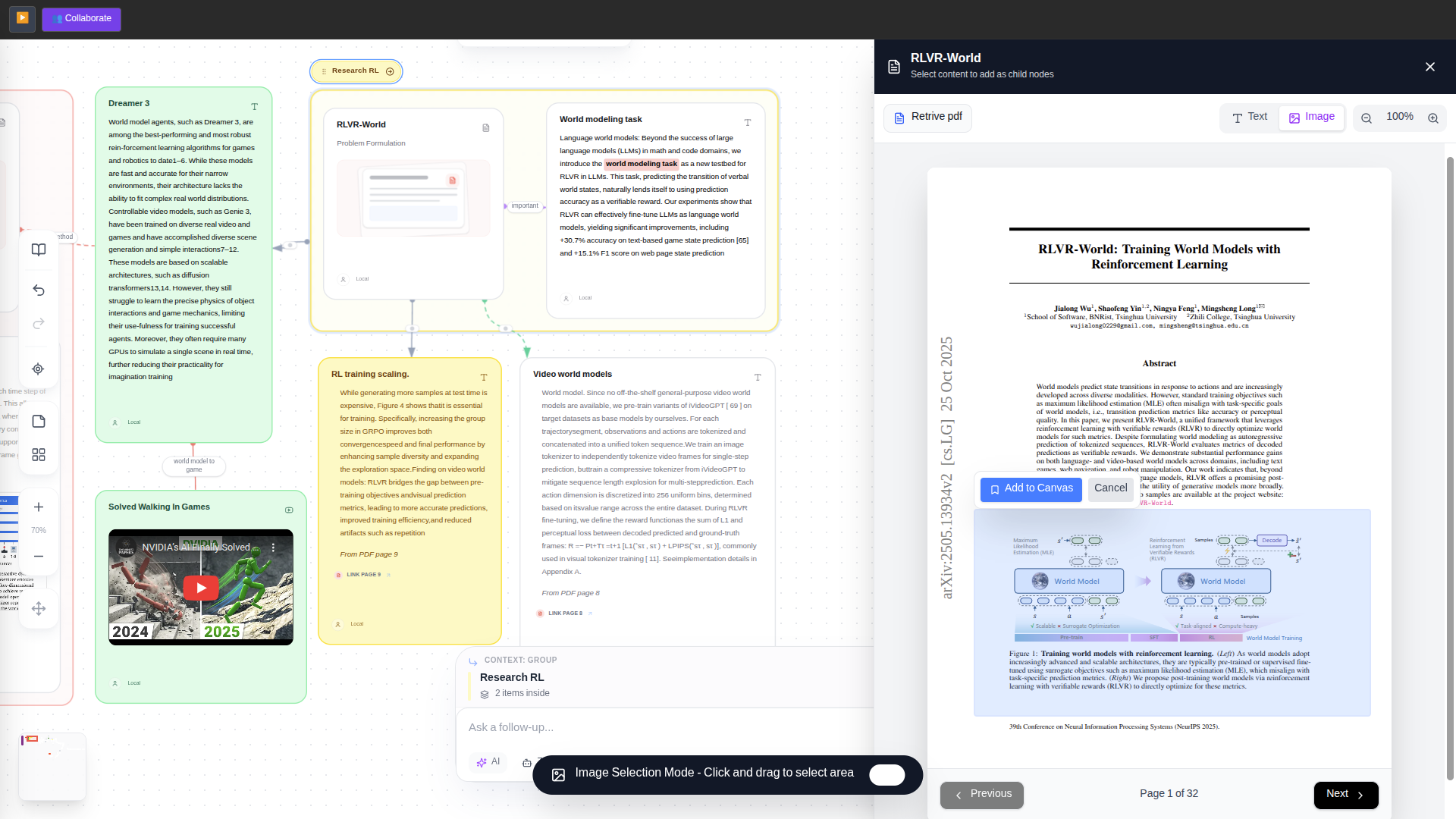
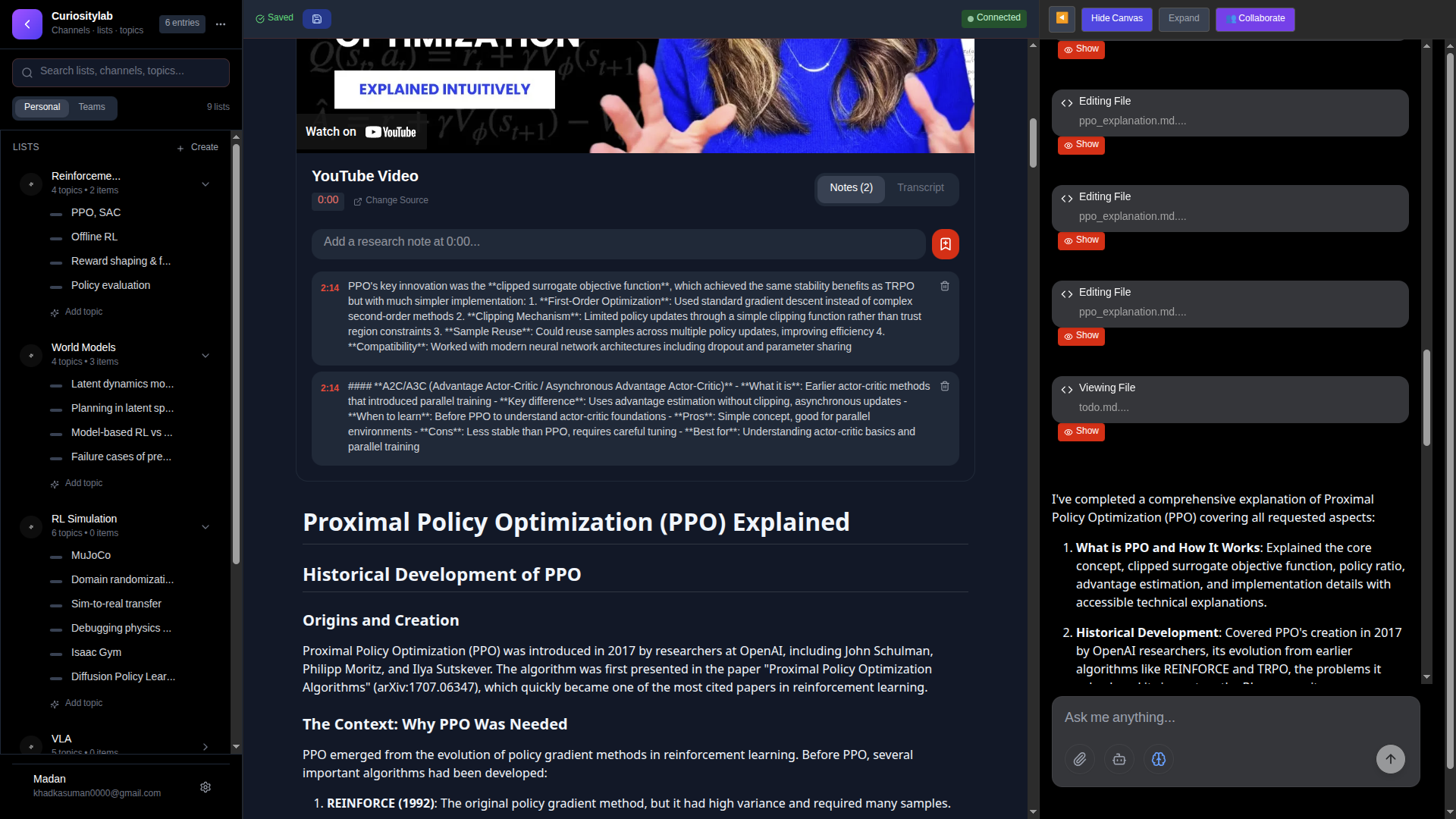
Orion is a collaborative AI workspace where teams can chat with AI, work on documents/whiteboards, and manage project notes in one place.
This README is written for both:
- Non-technical users who just want to run and use the app.
- Technical users who want backend/frontend/agent details.
The full app is made of 4 running services:
- Frontend (
frontend, Next.js) on port3000. - Node backend (
Backend, Express) on port5000. - Python AI backend (
main.py, FastAPI + WebSocket) on port8000. - Redis (for caching/rate limiting/session-related tasks).
It also uses MongoDB (external connection from environment variables).
[. - Frontend talks to Node backend for auth/account/billing style endpoints.
- Frontend also talks to Python AI service for AI chat, agent operations, WebSocket streaming, and canvas APIs.
- Redis supports rate limit and fast state operations.
- MongoDB stores users, projects, notes, canvas data, and workspace metadata.
There are two backend applications in this repo.
Purpose:
- Authentication and session handling.
- Google OAuth flow.
- User profile and plan/token credit operations.
- Billing webhook and recovery-related routes.
Entry point:
Backend/index.js.
Main route groups:
/api/auth/*/api/user/*/api/token/*/api/paddle/*- Health:
GET /health
Port:
5000
Purpose:
- AI agent orchestration.
- Real-time communication (WebSocket).
- Yjs collaboration socket.
- Project/core APIs and canvas/node APIs.
- File upload/download and workspace management.
Entry point:
main.py
Main interfaces:
- WebSocket:
/ws - Yjs socket:
/yjs - REST health:
GET /health - REST API routers under
/api/*from:App/routers/api_routes_core.pyApp/routers/api_routes_canvas.py
Port:
8000
Framework:
- Next.js (App Router)
- React
- Tailwind
Purpose:
- User interface for chat, workspace, whiteboard/canvas, and collaboration.
- Calls Node backend for account/auth/token operations.
- Calls Python backend and WebSocket for AI interactions.
Default URL:
http://localhost:3000
Main agent files:
agents/MainAgent.py: Base plugin marker class.agents/AgentExecutor.py: General-purpose task agent for complex workflows.agents/CanvasAgentExecutor.py: Canvas/node-focused agent.agents/TodoTrackingSystem.py: Tracks todo/checkpoint workflow during long tasks.agents/TokenTracker.py: Token usage estimation/tracking helper. which need to fix token calculation
In simple words:
AgentExecutoris the general AI worker.CanvasAgentExecutoris specialized for whiteboard/canvas context.- Both connect to tool modules (
/lab) and stream progress via WebSocket events.
Orion_project/
├── frontend/                  # Next.js UI
├── Backend/                   # Node.js backend (auth/billing/user)
├── agents/                    # Agent executors and agent helpers
├── App/routers/               # FastAPI REST routes (core + canvas)
├── main.py                    # Python AI backend entrypoint
├── websocket.py               # WebSocket request handling
├── deepsearcher/              # Deep research modules
├── Mongodb/                   # DB manager/helpers
├── docker-compose.yml         # Multi-service local orchestration
├── .env                       # Python AI service environment
├── .env.backend               # Node backend environment
├── .env.frontend              # Frontend environment (compose)
└── README.md
This method uses Docker so you do not install Python/Node manually.
- Install Docker Desktop.
- Open Docker Desktop and ensure it is running.
- Install Git (if not already installed).
cd /home/curiosity/Downloads/Orion_projectThis repo already has .env, .env.backend, .env.frontend files.
You should replace sensitive values with your own before production use.
Minimum you should check:
.env(Python AI service): MongoDB URI, Redis settings, AI provider keys, JWT secret..env.backend(Node backend): Mongo URL, JWT/session secrets, Google OAuth keys, Paddle keys..env.frontend(Frontend): public URLs for Node/Python/WebSocket and Paddle client token.
docker compose up --buildWait until logs stabilize. First build can take several minutes.
- Frontend:
http://localhost:3000 - Node backend health:
http://localhost:5000/health - Python backend health:
http://localhost:8000/health
In the same terminal press Ctrl + C, then run:
docker compose downUse this only if you are comfortable with Node/Python setup.
- Node.js 20+ (recommended).
- Python 3.11+.
- Redis server running locally.
- MongoDB connection string (Atlas or local).
cd /home/curiosity/Downloads/Orion_project/Backend
yarn install
yarn start
Expected:
- Service on
http://localhost:5000. - Health endpoint works on
/health.
cd /home/curiosity/Downloads/Orion_project
python -m venv .venv
source .venv/bin/activate
pip install -r requirements.txt
python main.py --host 0.0.0.0 --port 8000
Expected:
- Service on
http://localhost:8000. - WebSocket endpoint on
ws://localhost:8000/ws.
cd /home/curiosity/Downloads/Orion_project/frontend
npm install
npm run dev
Open:
http://localhost:3000
Do not commit real secrets to git.
MONGODB_URI=<your_mongodb_uri>
MONGODB_DATABASE=<db_name>
JWT_SEC=<jwt_secret>
SECRETACCESS=<secondary_secret>
DEFAULT_MODEL=<model_id>
WORKSPACE_PATH=./workspace

OPENAI_API_KEY=<optional>
OPENAI_BASE_URL=<optional>
OPENROUTER=<optional_base_url>
OPENROUTER_KEY=<optional>
TOGETHER=<optional_base_url>
TOGETHER_KEY=<optional>
DEEPSEEK=<optional_base_url>
DEEPSEEK_KEY=<optional>
NOVITA=<optional_base_url>
NOVITA_KEY=<optional>
GROQ_API_KEY=<optional>
COHERE_API_KEY=<optional>
TAVILY_API_KEY_SEARCH=<optional>
FIRECRAWL_API_KEY=<optional>
REPLICATE_API_TOKEN=<optional>
FAL_KEY=<optional>

SEARCH_PROVIDER=tavily
SCRAPER_PROVIDER=firecrawl
SEARCH_PROCESS_TIMEOUT=300
SEARCH_QUERY_TIMEOUT=20
SCRAPE_URL_TIMEOUT=30

NODE_API_BASE_URL=http://localhost:5000/api/token

BUCKET_NAME=<optional_s3_bucket>
BUCKET_REGION=<optional_s3_region>
ACCESS_KEY=<optional_s3_access_key>
Secret_access_key=<optional_s3_secret>

QDRANT_URL=<optional>
QDRANT_API_KEY=<optional>

REDIS_HOST=localhost
REDIS_PORT=6379
REDIS_PASSWORD=<redis_password>
REDIS_DB=0

CLAMAV_HOST=localhost
CLAMAV_PORT=3310
CLAMAV_TIMEOUT=30NODE_ENV=development
MONGO_URL=<your_mongodb_uri>
JWT_SEC=<jwt_secret>
SESSION_SECRET=<session_secret>
SECRETACCESS=<secondary_secret>
COOKIE_KEY=<cookie_key>
GOOGLE_CLIENT_ID=<google_oauth_client_id>
GOOGLE_CLIENT_SEC=<google_oauth_client_secret>
PADDLE_SECRET_TOKEN=<paddle_secret>
PADDLE_WEBHOOK_SECRET=<paddle_webhook_secret>
PADDLE_ENVIRONMENT=sandbox
RESENDAPI=<resend_api_key>NODE_ENV=development
NEXT_PUBLIC_NODE_URL=http://localhost:5000
NEXT_PUBLIC_PYTHON_URL=http://localhost:8000
NEXT_PUBLIC_WEBSOCKET_URL=ws://localhost:8000
NEXT_PUBLIC_PADDLE_CLIENT_TOKEN=<paddle_client_token>After startup, run these checks:
curl http://localhost:5000/health
curl http://localhost:8000/health
Expected:
- Node returns status ok.
- Python returns JSON with
{"status":"ok"...}.
Then open http://localhost:3000 and verify the UI loads.
- Open the app in browser.
- Sign in (if auth is enabled in your environment).
- Create a project.
- Add topics and work items.
- Open a canvas/document and interact with AI.
- Keep browser tab open while long AI tasks run.
- Confirm Docker containers are running:
docker compose ps. - Check frontend logs:
docker compose logs frontend. - Ensure port
3000is not already occupied.
- Check Node logs:
docker compose logs backend. - Confirm
.env.backendhas validMONGO_URLand secrets. - Verify MongoDB network/IP allowlist if using cloud Mongo.
- Check Python service logs:
docker compose logs ai-agent. - Confirm frontend websocket URL points to
ws://localhost:8000. - Ensure JWT and token validation settings match between services.
- Confirm Redis container is healthy:
docker compose ps. - Ensure
REDIS_PASSWORDin.envmatches compose settings.
- Rotate any exposed keys/secrets before production use.
- Never commit real credentials in
.envfiles. - Use separate dev/staging/prod credentials.
- Restrict CORS origins and secure cookie settings in production.
- Use HTTPS and proper secret management when deploying publicly.
docker compose down
docker compose up --build
If you need to remove old containers/networks:
docker compose down --remove-orphans- Replace all secrets with production values.
- Set production URLs in frontend env.
- Ensure MongoDB and Redis are production-grade and backed up.
- Configure TLS/HTTPS reverse proxy.
- Configure monitoring and log retention.
- Test Google OAuth and billing webhooks with production callback URLs.
# Start all services
docker compose up --build

# Stop all services
docker compose down

# See running status
docker compose ps

# Tail logs
docker compose logs -f

# Health checks
curl http://localhost:5000/health
curl http://localhost:8000/healthIf you update service ports, route prefixes, or env var names, update this README immediately so non-technical users can continue to run the project without confusion.